Liquid Fill
React Native package
react-native-liquid-fill
Progress that sloshes when you tilt the phone.

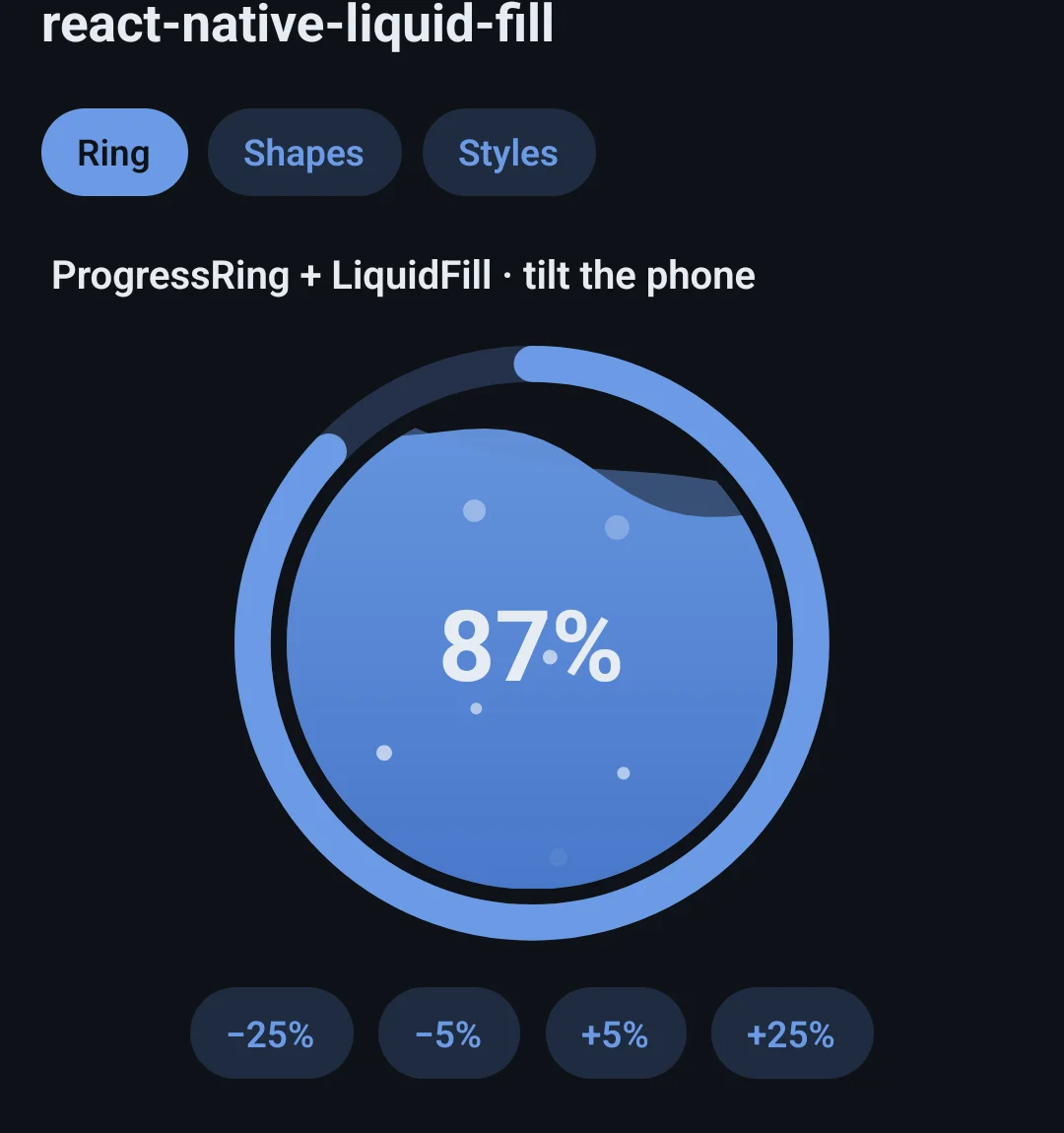
My hydration app shows the day's progress as water in a ring. This is that water, pulled out into a package: it fills any shape, and with the accelerometer the surface swings past level and rocks back, the way water does in a glass.
npm install react-native-liquid-fillnpx expo install react-native-reanimated react-native-svg expo-sensors- iOS
- Android
- Reanimated
- react-native-svg
- Expo
- TypeScript
See it move
- 01demo
Ring + waterTilt right, left, level — then a second lap past 100%. - 02demo
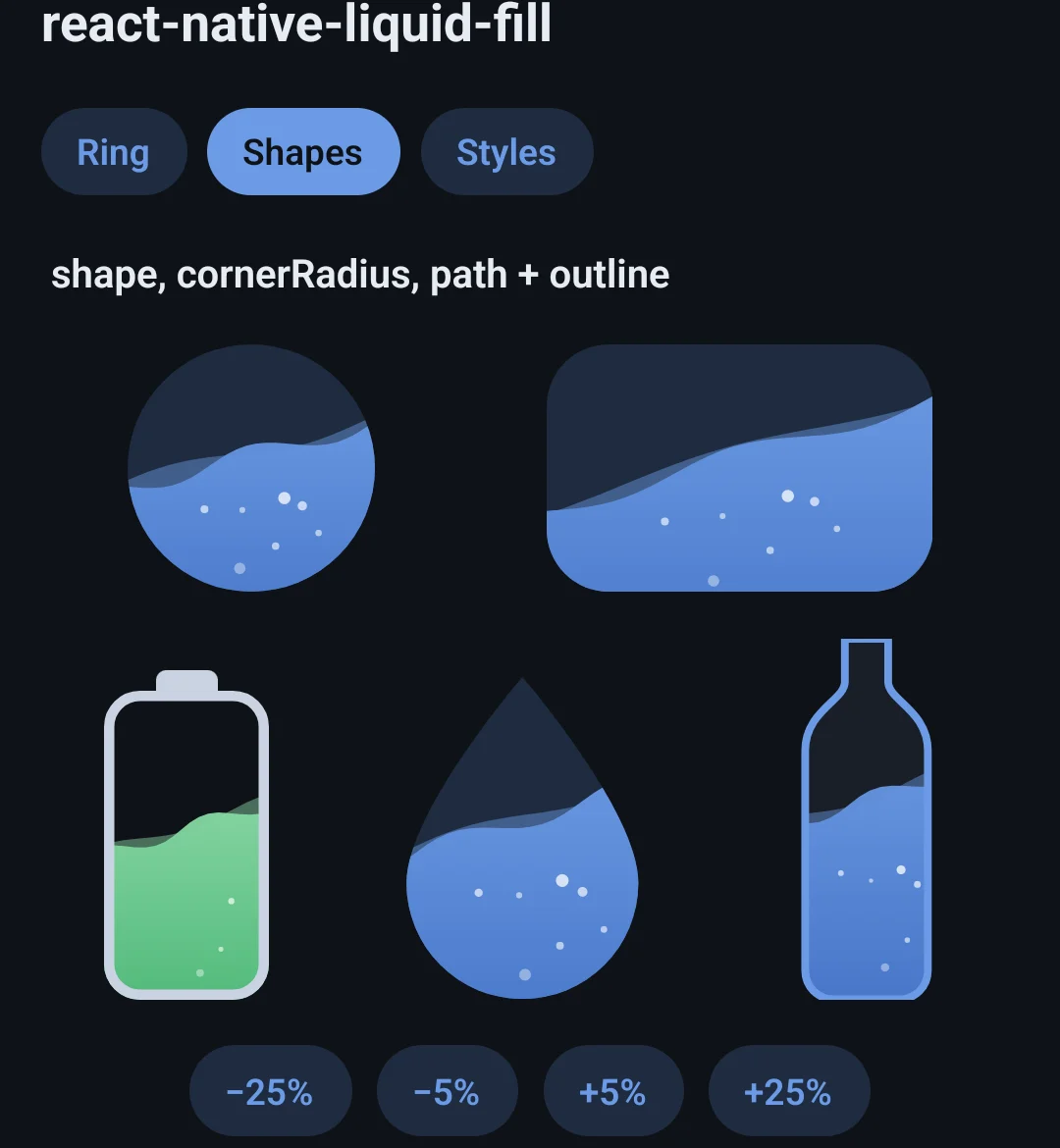
Any shapeCircle, rounded card, battery, drop and bottle. - 03demo
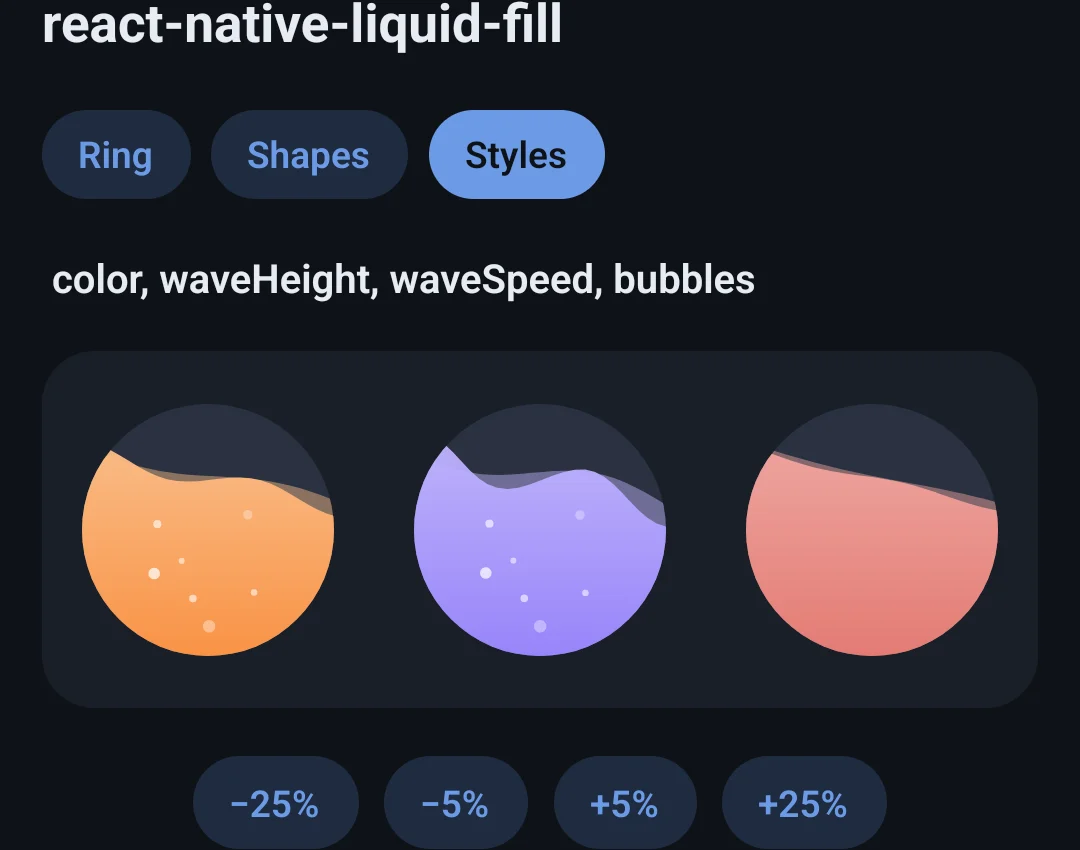
Your coloursBig fast waves, no bubbles, on dark — and a shake.
What it does
Stays level while the phone turns
Tilt it and the surface sloshes back to level; shake it and the waves whip up; upside down, the water collects at the top.
Calm when it should be
Gravity is separated from the hand moving the phone, a phone lying flat doesn't drag the water sideways, and a dropped frame never kicks it.
Any shape
circle, rounded or rect — or any SVG path: a drop, a bottle, a battery, with an optional outline.
The level springs
A new value springs in instead of jumping, and ProgressRing uses the same spring, so ring and water rise together.
On the UI thread
Waves, bubbles and the slosh physics all run in Reanimated worklets. paused stops them for a screen nobody is looking at.
Tilt is optional
Leave out tilt and the water just rolls — no expo-sensors needed. Both components read out as progress bars.
Quick start
import { LiquidFill } from 'react-native-liquid-fill';
import { useAccelerometerTilt } from 'react-native-liquid-fill/expo';

function Water({ progress }: { progress: number }) {
  const tilt = useAccelerometerTilt();
  return <LiquidFill size={160} progress={progress} tilt={tilt} accessibilityLabel="Water today" />;
}import { innerSize, LiquidFill, ProgressRing } from 'react-native-liquid-fill';
<ProgressRing
size={220}
strokeWidth={14}
progress={progress}
fill={<LiquidFill size={innerSize(220, 14)} progress={progress} tilt={tilt} />}
>
<Text>{Math.round(progress * 100)}%</Text>
</ProgressRing>